Singtall EQ Pro
A clean, precise parametric EQ — free.
Free
Get EQ Pro — free Download User manual (PDF)A free EQ, a dynamic EQ, a channel strip and a full mastering chain. Choose the one your work needs today, and move up whenever you're ready. Your settings come with you.
A clean, precise parametric EQ — free.
Free
Get EQ Pro — free Download User manual (PDF)A precise, characterful dynamic EQ.
$49
Buy Engineer Download free trial User manual (PDF)Engineer as a channel strip.
$89
Buy Producer Download free trial User manual (PDF)Everything, plus a full mastering chain.
$149
Buy Singtall Master Download free trial User manual (PDF)| Feature | Free | Engineer | Producer | Master |
|---|---|---|---|---|
| EQ bands | 9 | 9 | 19 | 19 |
| Mid/Side per band | Yes | Yes | Yes | Yes |
| High- and low-pass filters | Yes | Yes | Yes | Yes |
| Zero, Natural and Linear Phase · up to 8× oversampling | Yes | Yes | Yes | Yes |
| A/B comparison | Yes | Yes | Yes | Yes |
| 8 EQ characters, set globally or per band | No | Yes | Yes | Yes |
| Spectral (SPEC) dynamics per band | No | Yes | Yes | Yes |
| Dynamic EQ — compress or boost, sidechain keying | No | Yes | Yes | Yes |
| Factory presets | No | Yes | Yes | Yes |
| Compressor characters per band — FET, Opto, VCA, Vari-Mu | No | No | Yes | Yes |
| Pre-EQ and Post-EQ zones (6 bands each) | No | No | Yes | Yes |
| Gate, with a drum-specific mode | No | No | Yes | Yes |
| Input Harmonics | No | No | Yes | Yes |
| Industry Target reference overlay | No | No | No | Yes |
| Mastering chain — Tamer, Harmonics, Compressor, Limiter | No | No | No | Yes |
| Space (stereo width) and Tape | No | No | No | Yes |
| LUFS and true-peak metering | No | No | No | Yes |
| Assistant — listens and sets a starting master | No | No | No | Yes |
EQ Pro is free. Paid plugins: buy once (lifetime license, 2 machine activations) or get everything with All-Access at $15/mo. 14-day free trial, no card required. Windows VST3 now; the Mac version will be free for every license holder when it ships.
Windows may show a blue “Windows protected your PC” screen the first time you run the installer. Click More info, then Run anyway.
Everything in Producer, then the whole back end of a mastering session: Harmonics, a Transient Tamer, a compressor with five models, a multiband limiter, stereo Space and Tape — in signal-chain order, with LUFS and true-peak metering beside them.
Windows may show a blue “Windows protected your PC” screen the first time you run the installer. Click More info, then Run anyway.
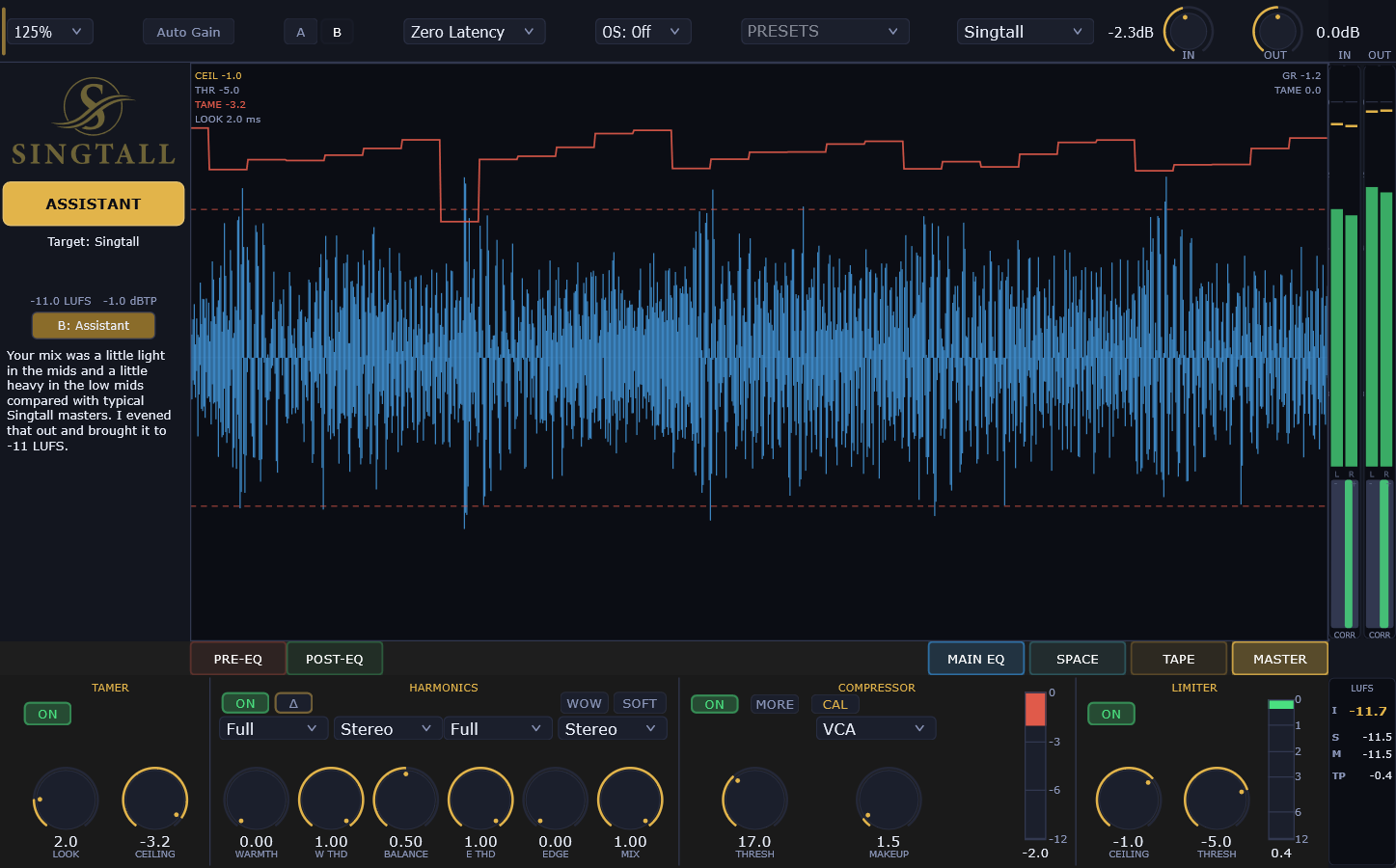
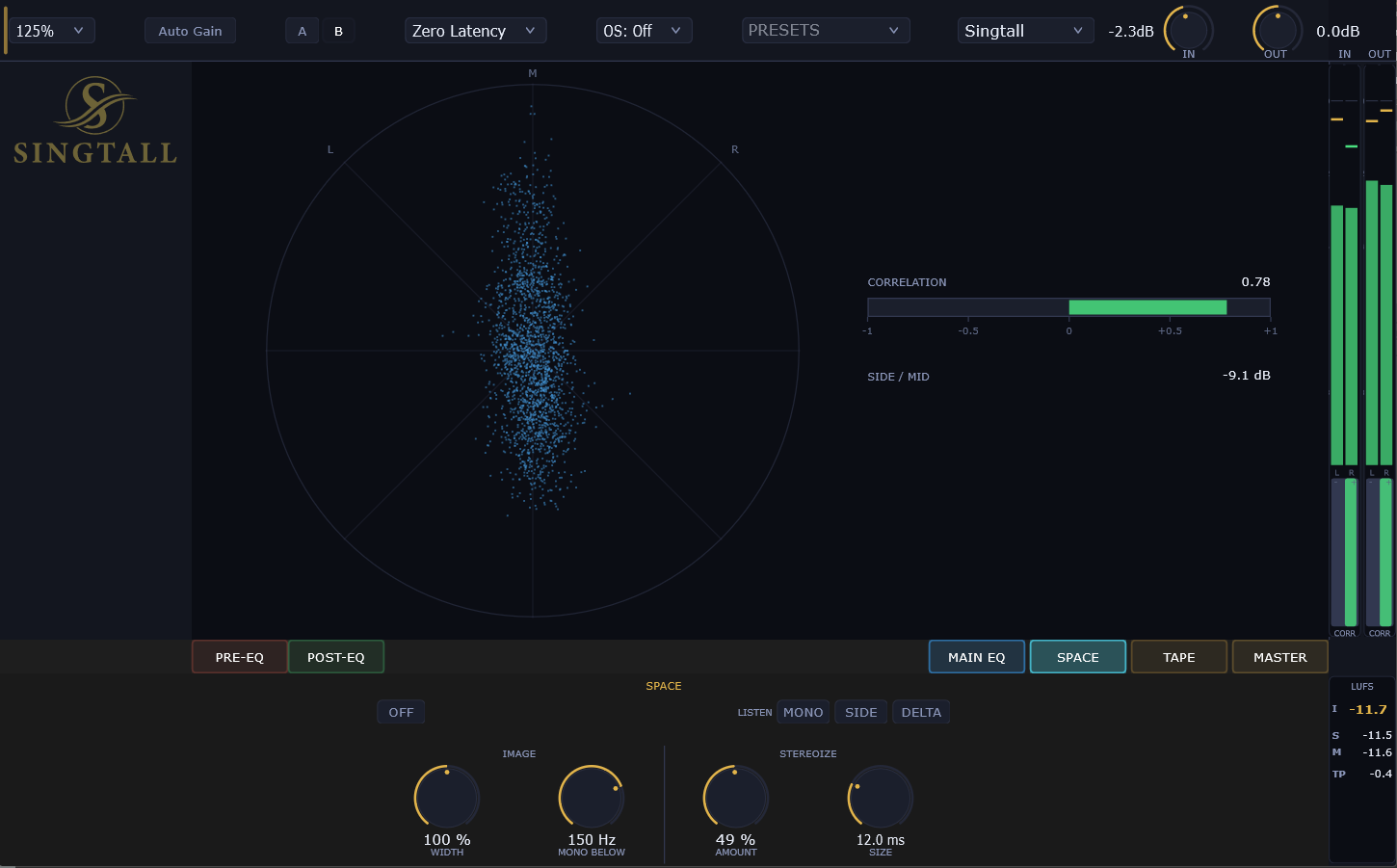
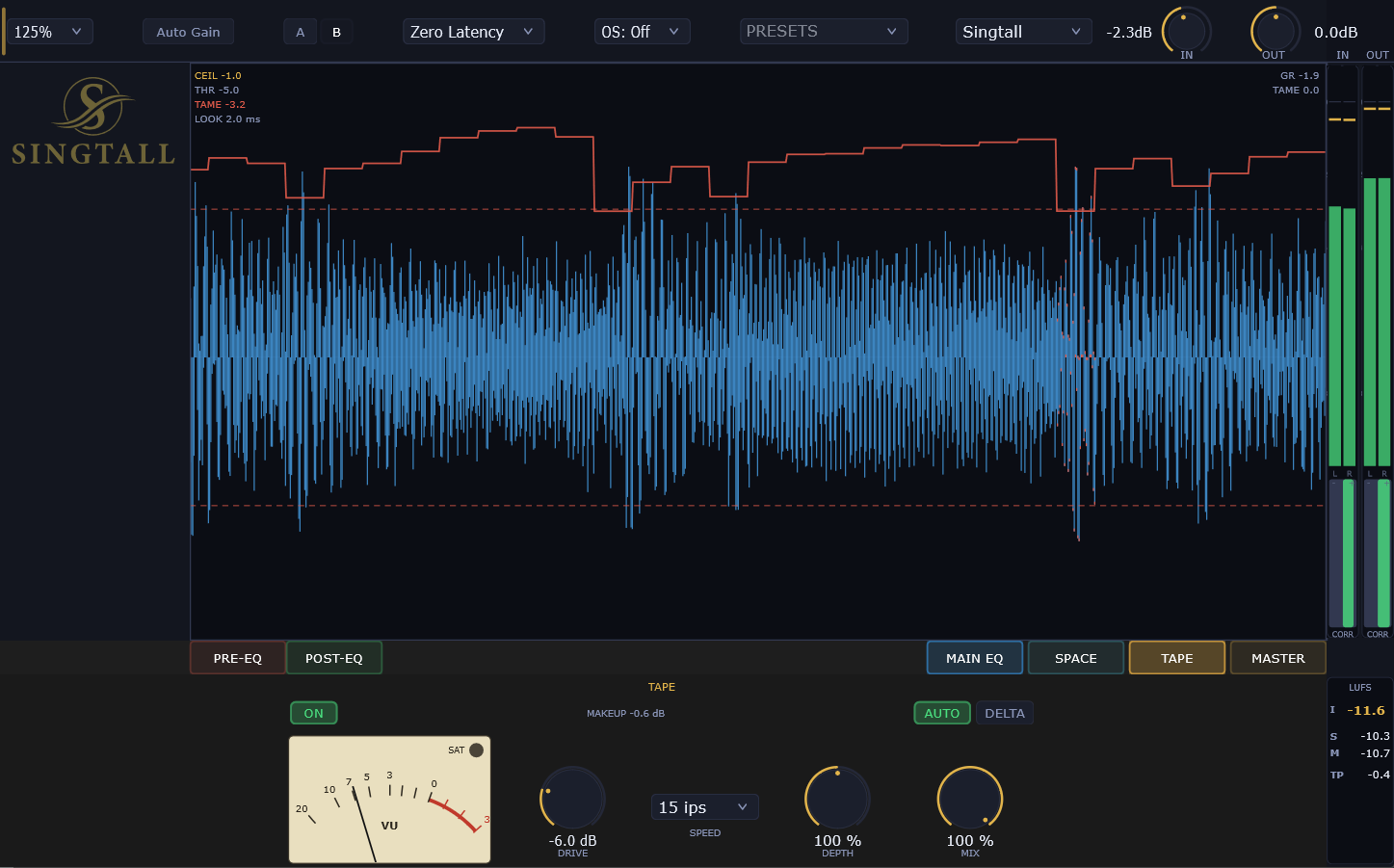
Space sets the width of the master and keeps the low end mono below a frequency you choose. Tape adds saturation and glue with selectable speed, a VU meter, and automatic makeup gain so you hear the color, not just more level.
Your mix's long-term spectrum is overlaid against a genre-matched target zone in real time. If the line stays in the zone, your frequency balance is where finished records in that genre sit. Pick your reference and work to it.
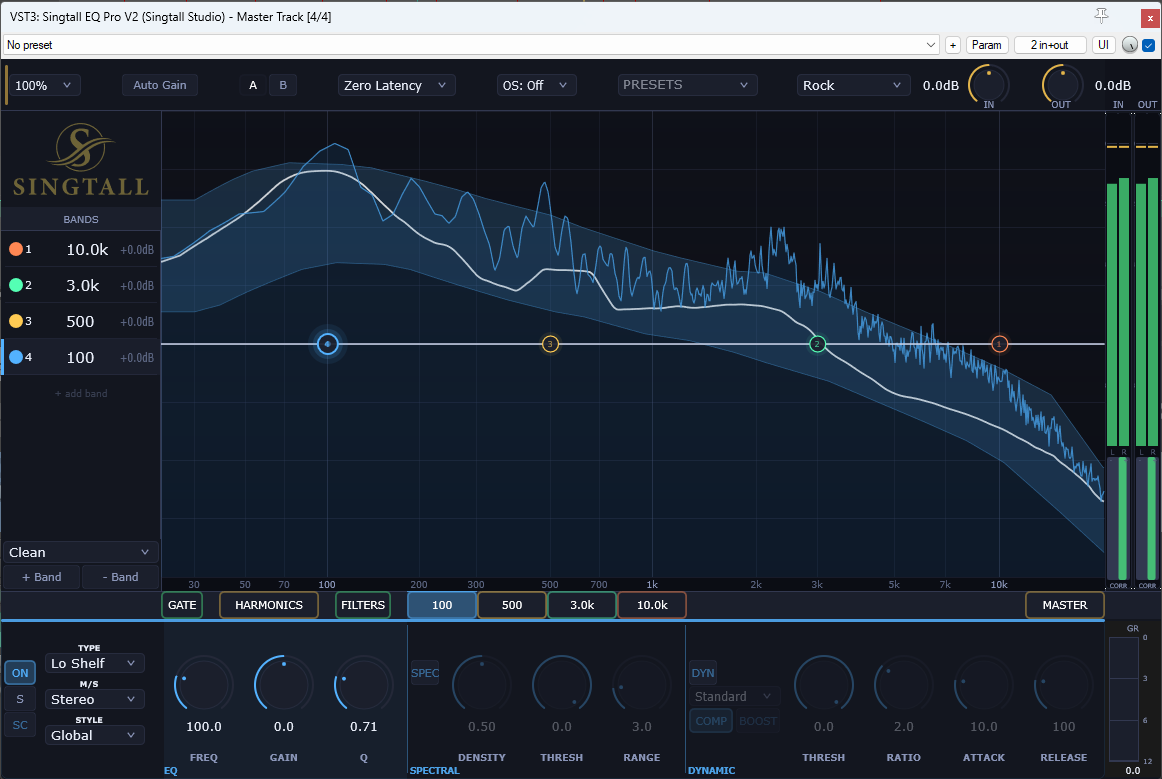
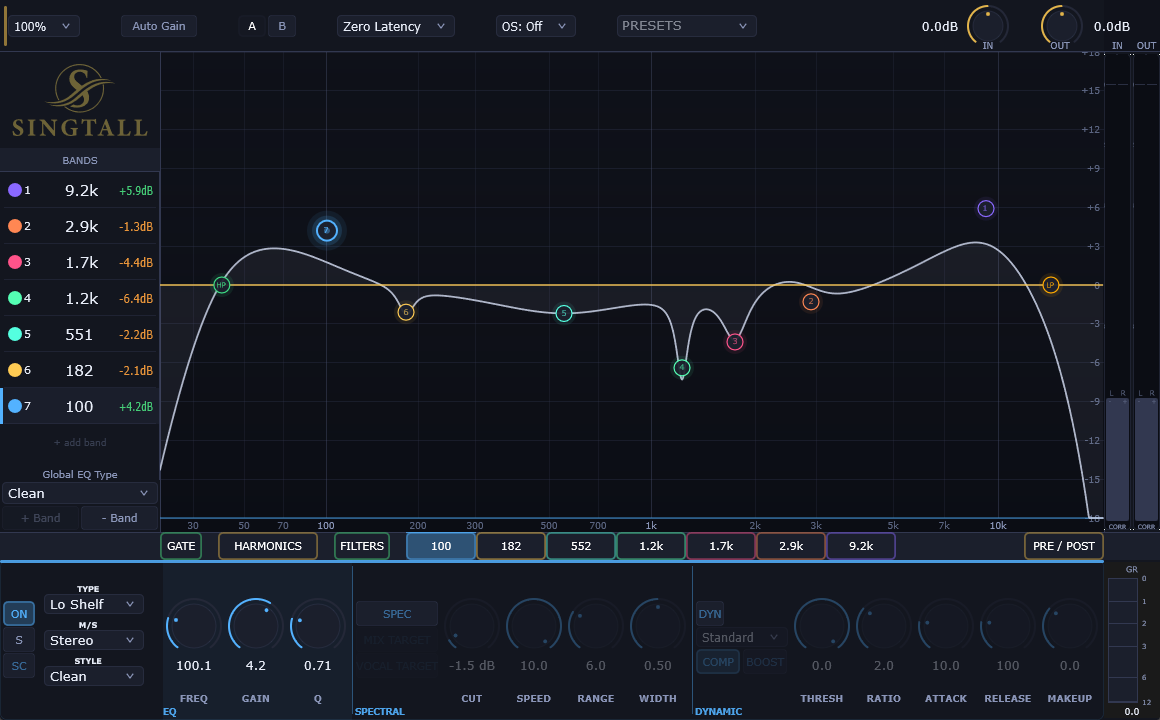
Everything in Engineer, plus a gate up front and two more zones of bands around the main EQ. De-ess and control dynamics in Pre-EQ, shape tone on the main EQ, clean up in Post-EQ — and give any dynamic band the response of a FET, Opto, VCA or Vari-Mu compressor.
Windows may show a blue “Windows protected your PC” screen the first time you run the installer. Click More info, then Run anyway.
Nine bands, each one static, dynamic or spectral. Pick a character for the whole EQ or for a single band, and fish between them after you make your moves — the same knob position, a different sound.
Windows may show a blue “Windows protected your PC” screen the first time you run the installer. Click More info, then Run anyway.
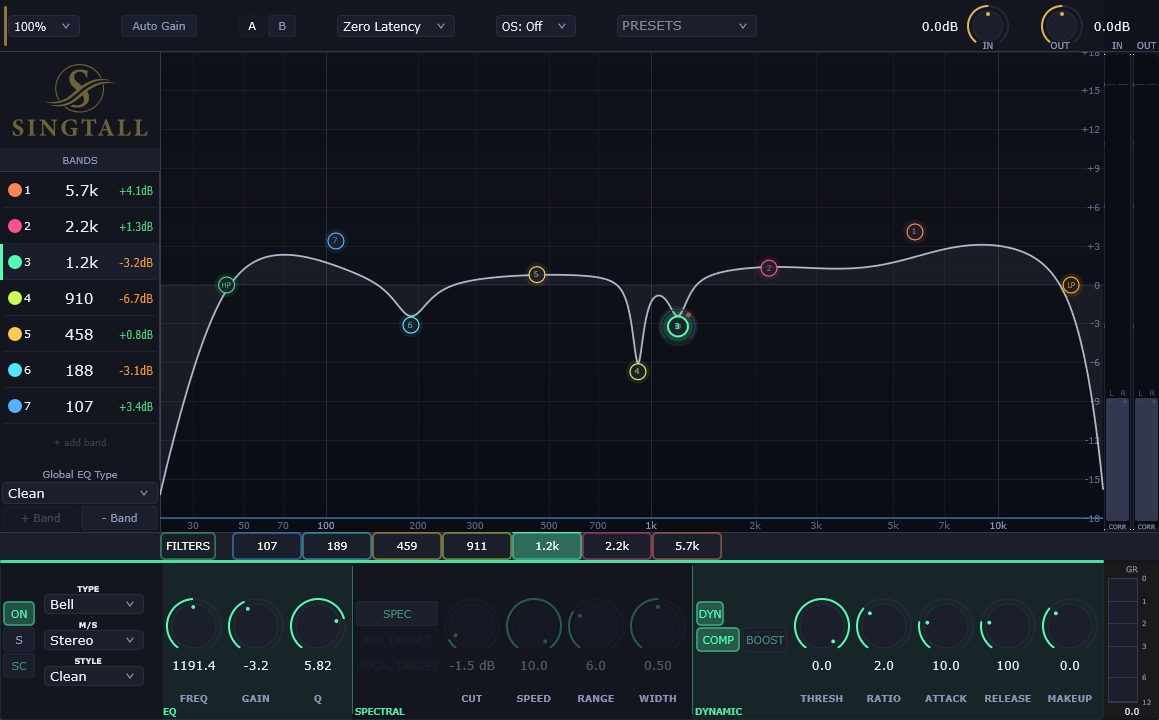
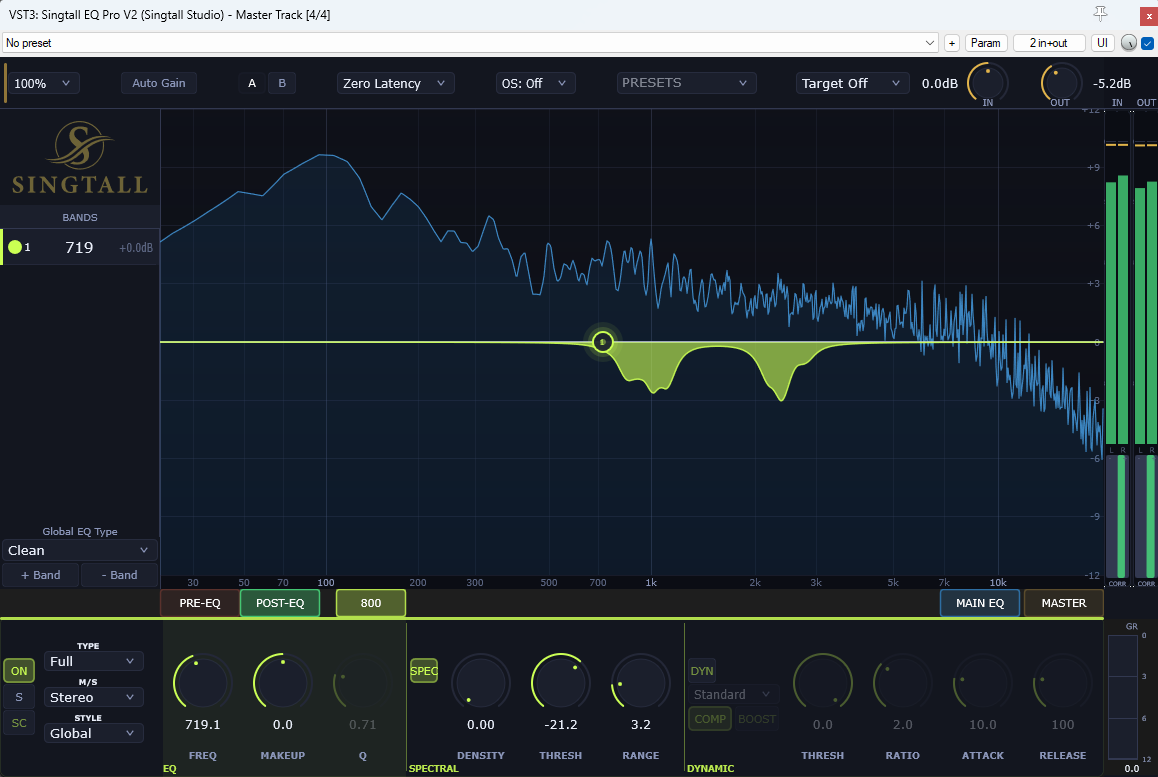
SPEC mode turns any band into a frequency-aware dynamic processor. It finds spectral peaks above your threshold and notches them in real time — harshness, resonances and build-up go away without touching your static EQ shape.
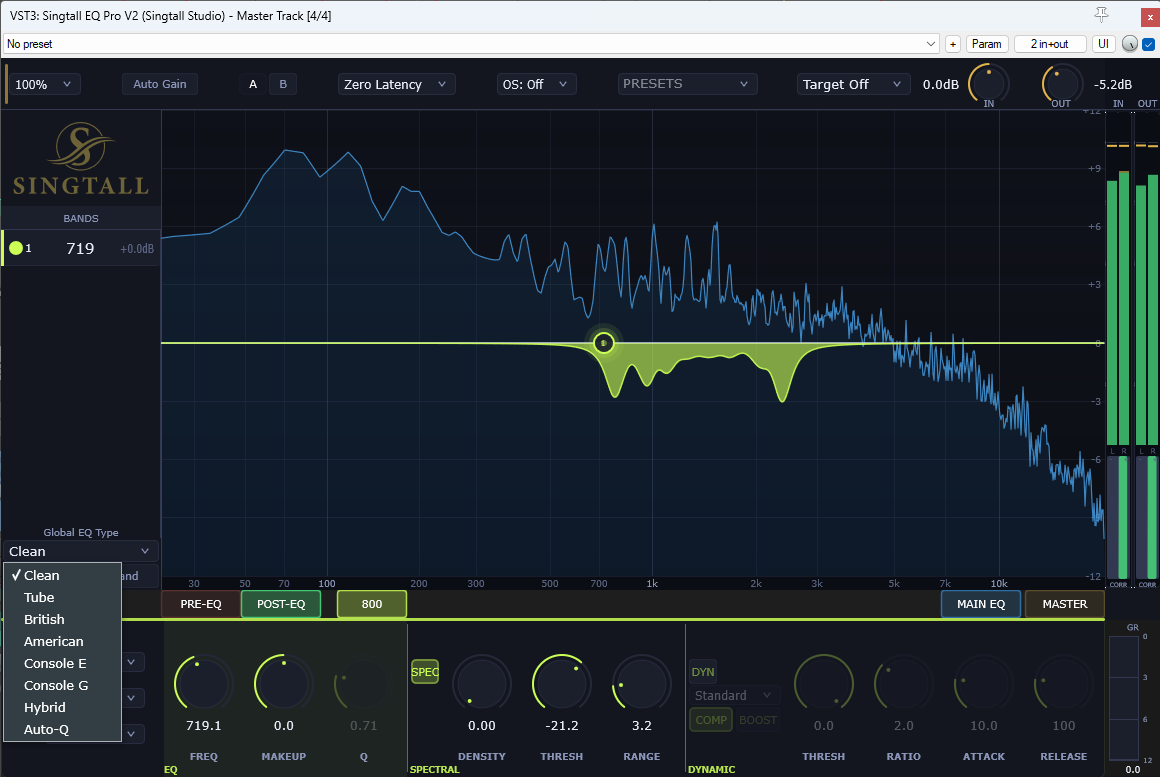
Every band can take on a different filter character. Set it for the whole EQ or override it per band. Boost in British, cut in Clean — the same knob position, a different sound.
Free forever.
The clean core of our EQ, free. Nine bands (seven EQ plus two filters), Mid/Side, high- and low-pass, and Zero / Natural / Linear phase with oversampling. Step up to Engineer any time for the eight characters, dynamic and spectral bands and presets.
Windows may show a blue “Windows protected your PC” screen the first time you run the installer. Click More info, then Run anyway.
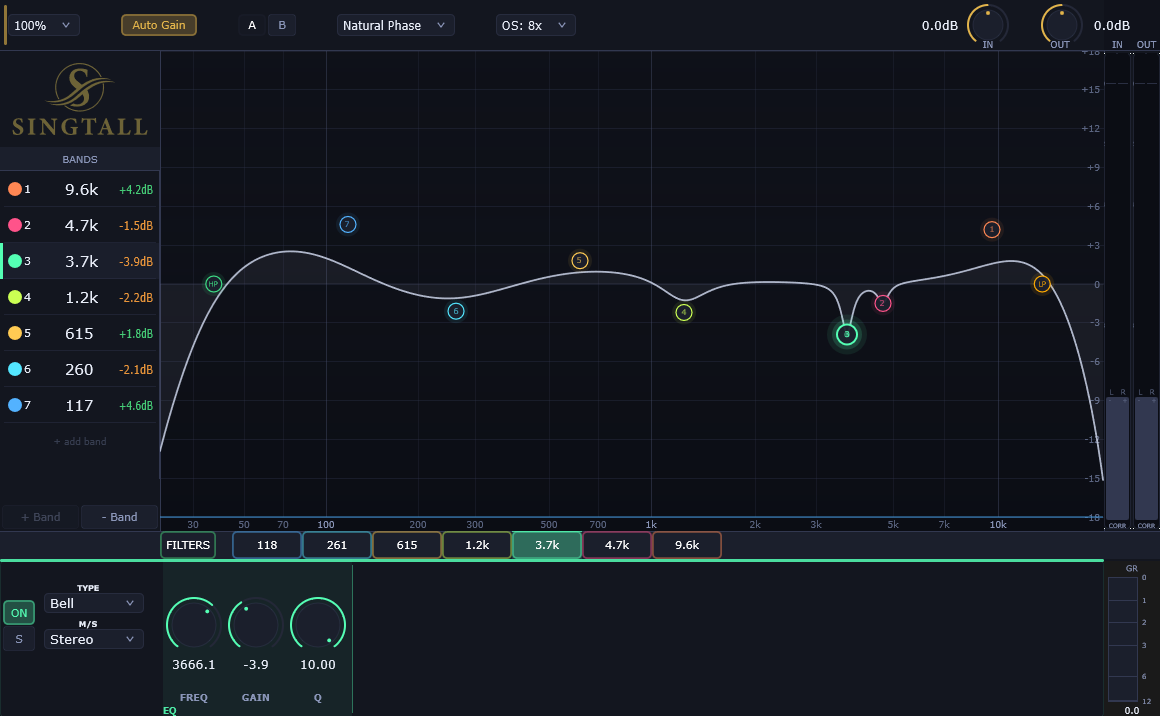
Free for life!
A studio reverb that stays out of your way. One knob sweeps from tight room to wide hall — dial in the space, set your mix, and move on. No menus, no presets to scroll through.
Windows may show a blue “Windows protected your PC” screen the first time you run the installer. Click More info, then Run anyway.

Free for life!
Select your drum tracks and run one action. Every mic's snare then starts in the same place, the right way up. It moves the items themselves, so there's no plugin to leave running and nothing to render.
Free for life!
Run it after Drum Align. It listens to the whole kit at once, keeps every real kick and tom hit with its full ring, and cuts the bleed in between. Then it glues each track back into one item, just like slicing by hand, only in seconds.
Free for life!
It matches every double and backing vocal to the lead, syllable by syllable. Late notes slide into place, notes held too long fade out where the lead stops, and backing vocals sit just behind the lead. The audio is never stretched.
Low-volume. Just new releases, updates, and the occasional discount. No spam, easy unsubscribe.